One of the most popular features in Maintenant is auto-discovery: deploy the container, and all your services show up in the dashboard with zero configuration. Here’s how it works.
Runtime detection
On startup, Maintenant runs a detection sequence:
- If the
MAINTENANT_RUNTIMEenvironment variable is set, it forces the mode - Otherwise, if
KUBERNETES_SERVICE_HOSTis set, switches to Kubernetes mode with in-cluster config - Otherwise, tries a kubeconfig (
KUBECONFIGor~/.kube/config) and uses it if the cluster answers - Otherwise, connects to the Docker socket (
/var/run/docker.sock) and switches to Docker mode
Docker mode
In Docker mode, Maintenant uses the official Docker SDK for Go. It connects to the Unix socket mounted in read-only mode and performs several operations:
Initial listing
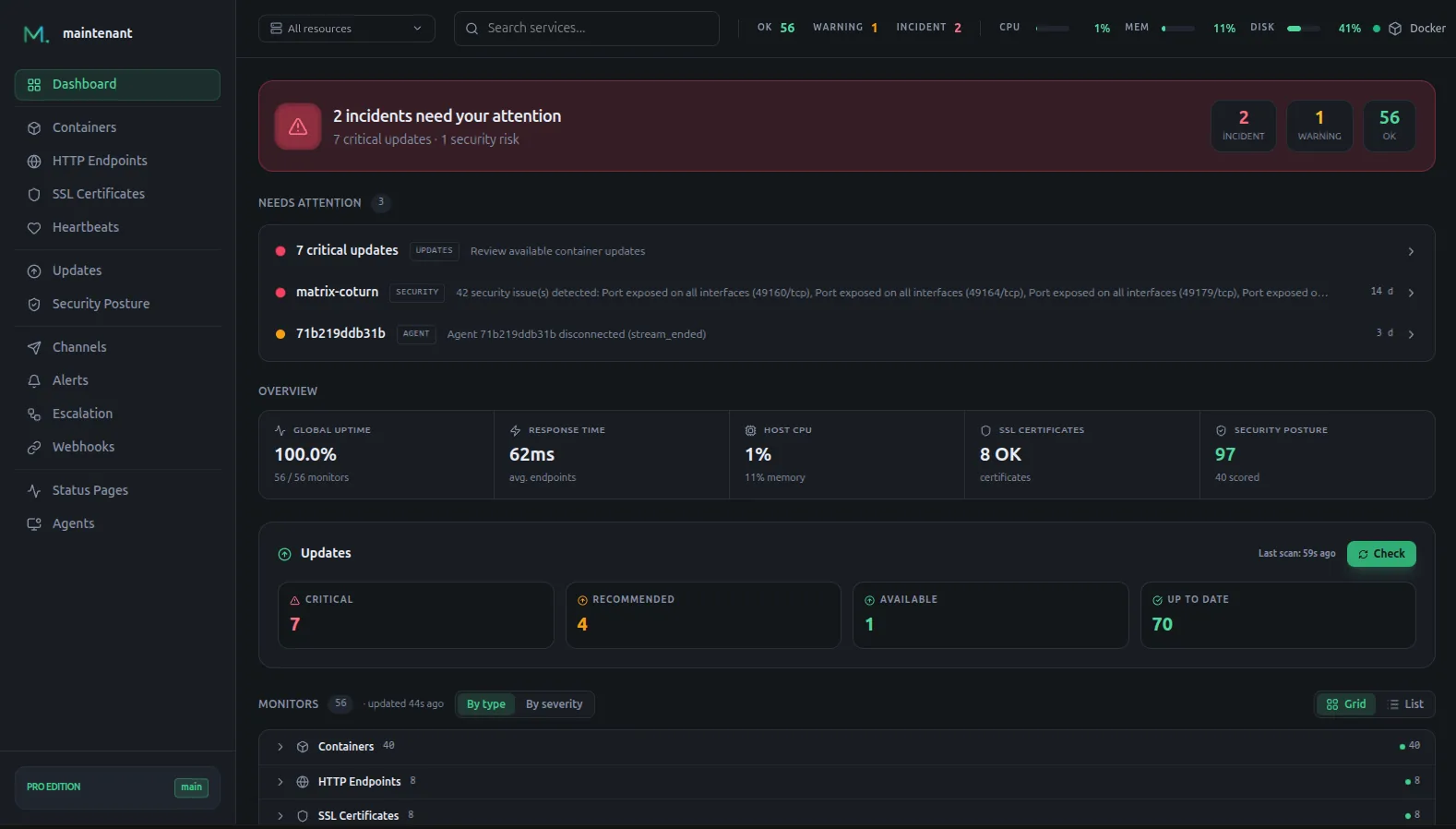
A call to ContainerList retrieves every container, stopped ones included. For each container, Maintenant extracts Docker labels, the Compose project name (via the com.docker.compose.project label), exposed ports, and health check configuration.
Event listening
A dedicated goroutine listens to Docker events in real time via Events. Every start, stop, die, and health_status event is captured and processed immediately. This is what allows the dashboard to update in real time via SSE.
Metrics collection
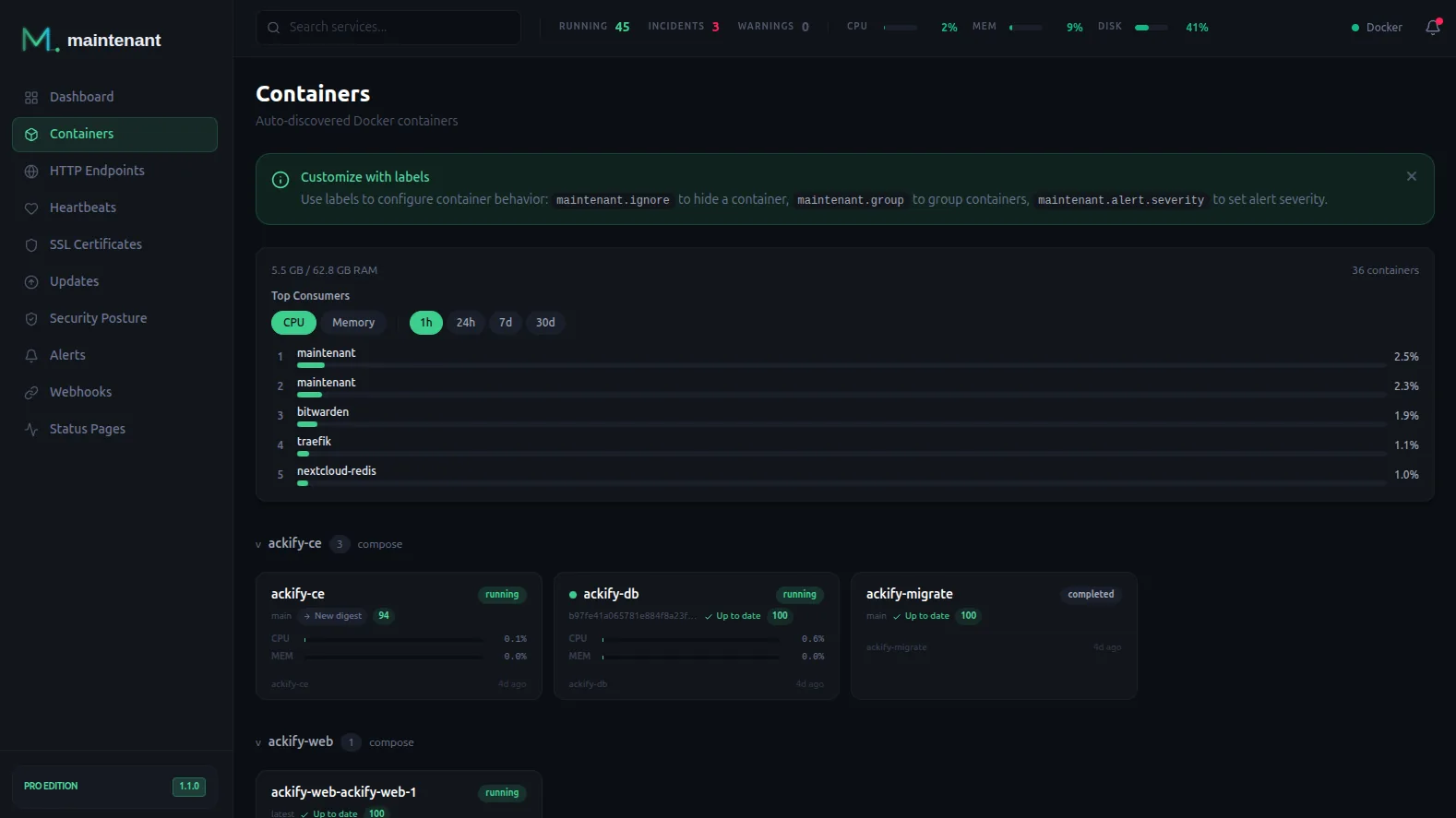
The Docker ContainerStats API provides CPU, memory, network, and disk I/O metrics per container. Maintenant collects them at regular intervals and stores them in SQLite.
Kubernetes mode
In Kubernetes mode, Maintenant uses the official client-go library with in-cluster configuration (service account). The required RBAC is minimal and read-only:
apiVersion: rbac.authorization.k8s.io/v1
kind: ClusterRole
metadata:
  name: maintenant
rules:
  - apiGroups: [""]
    resources: ["namespaces", "nodes", "pods", "events", "services"]
    verbs: ["get", "list", "watch"]
  - apiGroups: [""]
    resources: ["pods/log"]
    verbs: ["get"]
  - apiGroups: ["apps"]
    resources: ["deployments", "statefulsets", "daemonsets"]
    verbs: ["get", "list", "watch"]
  - apiGroups: ["batch"]
    resources: ["jobs"]
    verbs: ["get", "list", "watch"]
  - apiGroups: ["metrics.k8s.io"]
    resources: ["pods", "nodes"]
    verbs: ["get", "list"]
Maintenant never creates, modifies, or deletes anything in your cluster. Observation only.
Workloads
Unlike Docker mode, which operates at the container level, Kubernetes mode operates at the workload level: Deployments, DaemonSets, StatefulSets. Pods are grouped under their parent workload, providing a more meaningful view of your services’ health.
Storage: SQLite in WAL mode
All collected data is stored in SQLite using WAL mode (Write-Ahead Logging). This allows concurrent reads without blocking writes – essential for a tool that continuously collects metrics while serving a real-time dashboard.
Memory use stays modest (about 100 MB of RAM after several days on a busy host), with Go’s garbage collector handling the housekeeping.
Conclusion
Auto-discovery is not magic. It’s the smart use of existing Docker and Kubernetes APIs, combined with a lightweight Go architecture and simple storage choices.
The result: you deploy a container, and your stack is monitored. No configuration needed.
Install Maintenant –> · Compare editions →